How It All Fits Together
The data flow from supplier price sheets to a priced Excel estimate.
How it all fits together
Once you understand the six core concepts, the flow through the app makes sense at a glance:
Price Sheet (PDF/Excel)        Manual entry
        │                            │
        ▼                            ▼
     Products  ──►  Prices  (per supplier, per date)
                       │
                       ▼
                  Assemblies  (recipes that combine products)
                       │
                       ▼
                    Rates   ◄──  Takeoff quantities
                       │
                       ▼
                   Estimate  ──►  Excel export
Reading the flow
- Products are the master list of things you buy or supply. Populate them either by importing supplier price sheets or adding them manually.
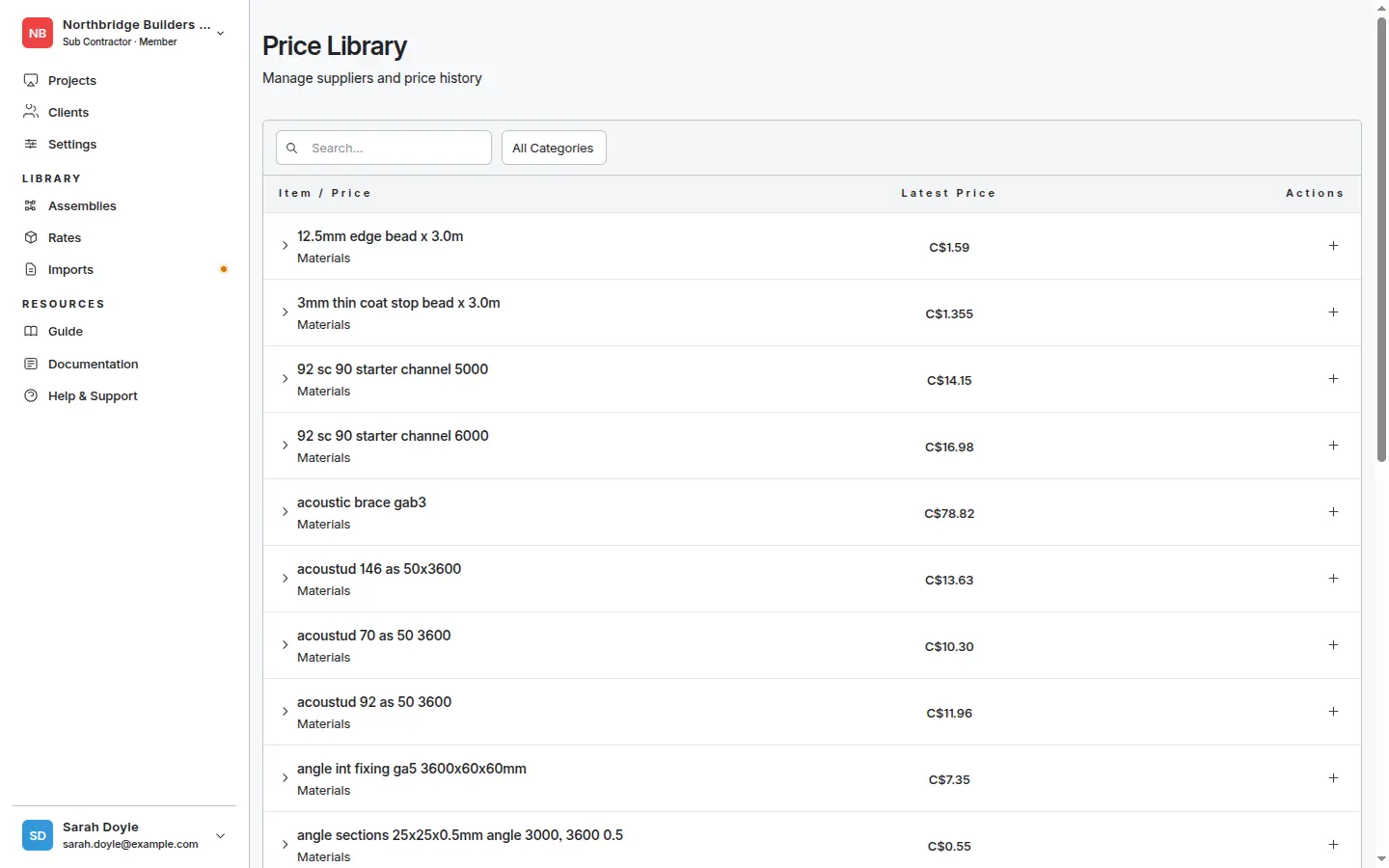
- Each product accumulates Prices — one per supplier, per effective date. Old prices stay in history.
- Assemblies combine products into reusable recipes (e.g. “100 mm reinforced concrete slab per m²”).
- Rates are the per-unit prices on each estimate line. They can be typed directly or computed from an assembly.
- Takeoff quantities (measured off drawings) supply the how much; rates supply the how much each.
- The Estimate brings it all together and exports to Excel.
The library is shared across every project, so once you’ve built it up the per-project effort drops sharply.
What changes automatically
- Update a supplier price → next time an assembly using that product is applied, the new cost flows through.
- Re-measure a takeoff shape → the group quantity updates → the estimate line total updates automatically.
- Change a variable when applying an assembly (e.g.
{block_thickness_mm}) → the rate recomputes for that one line, without touching the assembly itself.
What doesn’t
- Editing an existing price record updates it in place — use this only for typos. To record a price change, add a new price so history is preserved.
- Excel exports are snapshots. The file you send today won’t change if your rates update next week — re-export when you want a fresh version.
Ready to try it on real data? Continue to the Quickstart.