Blueprint Crusher Documentation
User guide for Blueprint Crusher — turn drawings and price sheets into priced estimates in hours, not weeks.
Blueprint Crusher User Guide
Blueprint Crusher helps quantity surveyors and estimators go from a stack of drawings and supplier price sheets to a priced, exportable estimate — fast.
This guide is organised around how you actually use the product.
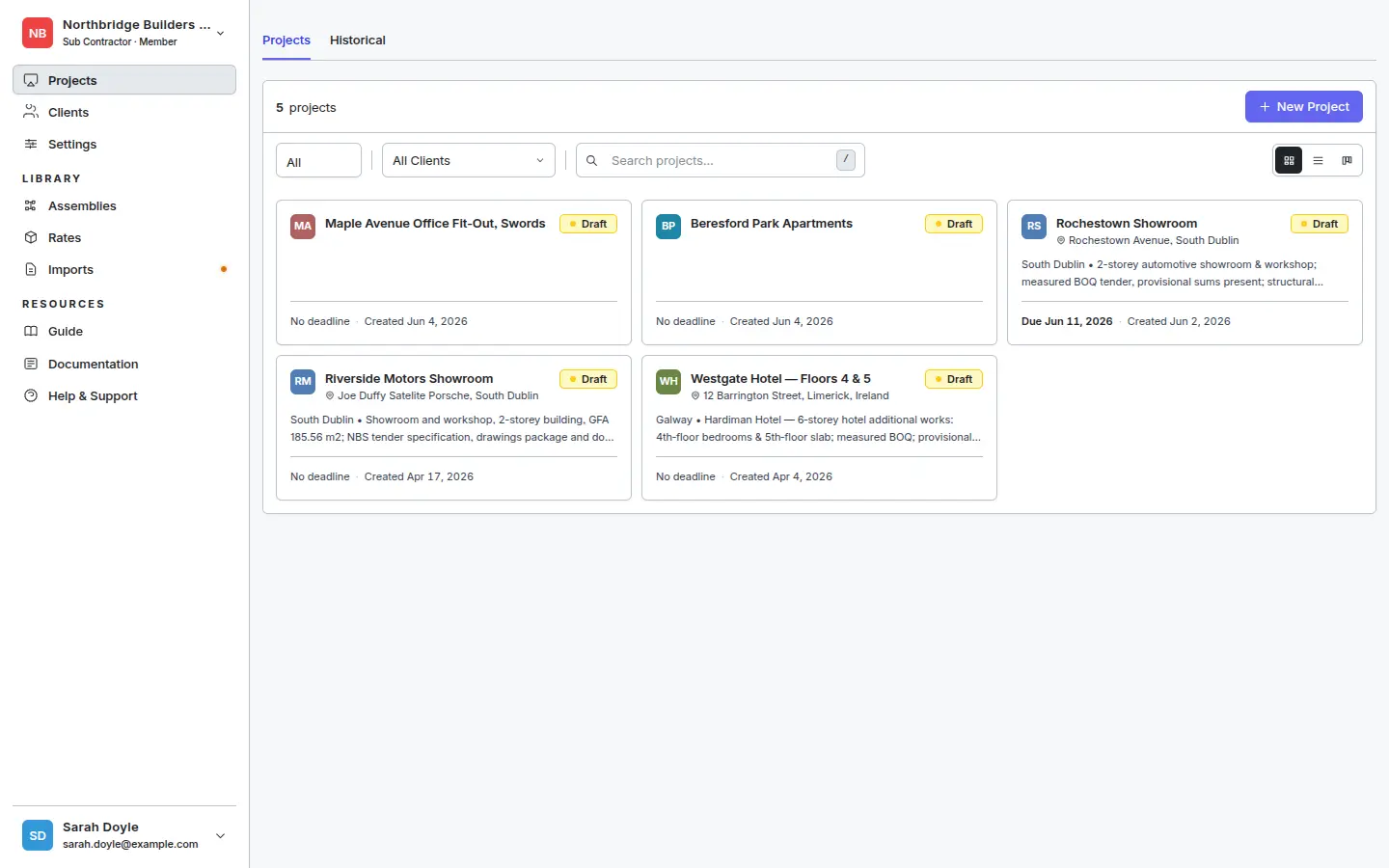
Start here
- Quickstart — the 10-minute path: import a price sheet, build an assembly, do a takeoff, export to Excel.
- Glossary — the vocabulary used throughout the app: Product, Price, Rate, Assembly, Takeoff, Estimate.
- How it all fits together — the data flow from price sheet to Excel export.
By area of the app
- Rate Library — products, prices, suppliers, and importing price sheets.
- Assemblies — recipes that combine products into composite rates.
- Takeoff — measuring quantities from drawings.
- Spec Intelligence — link BOQ items to specification clauses and surface evidence, AI suggestions, and discrepancies.
- Estimates — pricing the schedule of work and exporting to Excel.
Reference
- Expression syntax — what you can type in an assembly’s quantity field.
- Troubleshooting — common issues with imports, takeoff, and rates.
Need help that isn’t here? Contact support.
Getting Started
Concepts, quickstart, and the full data flow from price sheet to estimate.
Rate Library
Manage the products, prices, and suppliers that power every estimate.
Assemblies
Build reusable recipes that combine products into composite rates.
Spec Intelligence
Link BOQ items to specification clauses and surface compliance evidence, AI suggestions, and discrepancies.
Takeoff
Measure quantities off drawings and turn them into priced estimate lines.
Estimates
Price the schedule of work, review the totals, and export to Excel for clients or subcontractors.
Reference
Lookup material — expression syntax and troubleshooting.
- Getting StartedConcepts, quickstart, and the full data flow from price sheet to estimate.
- Rate LibraryManage the products, prices, and suppliers that power every estimate.
- AssembliesBuild reusable recipes that combine products into composite rates.
- Spec IntelligenceLink BOQ items to specification clauses and surface compliance evidence, AI suggestions, and discrepancies.
- TakeoffMeasure quantities off drawings and turn them into priced estimate lines.
- EstimatesPrice the schedule of work, review the totals, and export to Excel for clients or subcontractors.
- ReferenceLookup material — expression syntax and troubleshooting.